

If you’re frustrated by Pinterest not showing pins in search, you’re not alone. In 2025, Pinterest quietly shifted how it ranks and displays content — and those changes are affecting even strong, well-optimized accounts.
This isn’t about Pinterest being broken. It’s about Pinterest evolving into a more search engine-like platform. Legacy viral pins are being quietly de-indexed, group boards no longer carry the same weight they once did, and pins lacking layered metadata now struggle to surface in search results.
The good news? None of this means your content is gone. It means you need to refresh your approach. Below, we’ll break down what changed behind the scenes and share a step-by-step Pinterest recovery plan so your pins can regain visibility and continue driving traffic in 2025.
Are Your Pinterest Pins Invisible in Search?
Here’s the critical part:
Even if your pins aren’t showing in search results, they’re still live and clickable.
- The pin image remains published
- The Visit Site button still works
- But the pin may have been temporarily de-indexed, meaning:
- Pinterest users can’t find it through search engines or Pinterest search results
- It won’t appear in related Pinterest images
- Its visibility has dropped, even on your own Pinterest profile
Think of it as Pinterest putting your pin back on the library shelf — not deleted, just resting until you create a fresh version that signals renewed relevance.
Pinterest’s Fresh Pins Strategy: What Changed?
Pinterest hasn’t announced these changes publicly, but strategist reports and user patterns show:
- Legacy viral pins are being quietly de-indexed, giving fresh pins the spotlight (though they can be revived with new designs)(Pin Performance & Distribution – Pinterest)
- Group boards don’t drive broad traction anymore, but they can still serve niche purposes when well-curated
- Pinterest favors fresh pins across various platforms, including desktop, app, and mobile devices.
In short, Pinterest is acting more like a search engine than a social network — prioritizing recent content, engagement, and context.
Why Pinterest Not Showing Your Pins Happens
Behind the scenes, here’s what’s happening when you notice Pinterest not showing pins in your account:
- Annotations matter: if a pin doesn’t spark initial engagement, Pinterest may not annotate it. After a month, if you see no annotations, it’s worth creating a new pin with stronger keywords or a fresh pin image.
- Boards may lose indexing: vague or inactive Pinterest boards can weaken pin visibility.
- Design fatigue: Pinterest’s AI may figuratively “get bored” with overly similar, non-creative output. Overly branded pins can lead to lower distribution and even image display issues.
- Thin descriptions: without enough detail (keywords, prep time, serving size, target audience intent), Pinterest lacks the context to surface your content in search results.
Pinterest Recovery: A Step-by-Step Guide
If your pins aren’t showing up, here’s the best way to recover visibility:
1. Rebatch Top Content with Fresh Pins
–Create new designs with different layouts, colors, and overlays.
–Update your pin’s title and description with stronger keywords, cooking time, or serving size.
–Save to active, relevant boards instead of outdated group boards.
-Always upload from your business account to track analytics.
2. Avoid Design Fatigue
–Rotate pin styles to keep your feed engaging.
–Mix in creative variations, just as you would across other social media platforms
3. Update Board Strategy
– Rewrite board descriptions with high-intent search phrases.
–Archive vague boards that don’t serve your strategy
–Use Pinterest boards to group pins by theme and audience intent.
4. Layer Metadata Into Descriptions
– Add extra details: diet preference, prep time, serving size, and target audience focus.
-Make sure your blog posts have meta descriptions and recipe data that Pinterest can pull from (How Content Gets Discovered – Pinterest Content Academy)
–Treat descriptions like metadata fields that strengthen search engine context and support best practices.
5. Track What Still Shows Up in Search
–Run manual searches on the desktop and the Pinterest app.
–Monitor pin behavior with tools like PinClicks.
–Test at peak times, since visibility can shift depending on user activity
These recovery steps are the best way to fix issues with Pinterest not showing pins in search results.
Why Your Pinterest Strategy Needs to Evolve
Pinterest isn’t broken — it’s catching up to how search engines work.
This shift is your opportunity to:
- Stand out with better visuals + metadata-rich descriptions.
- Use Pinterest pins as landing pages for your target audience.
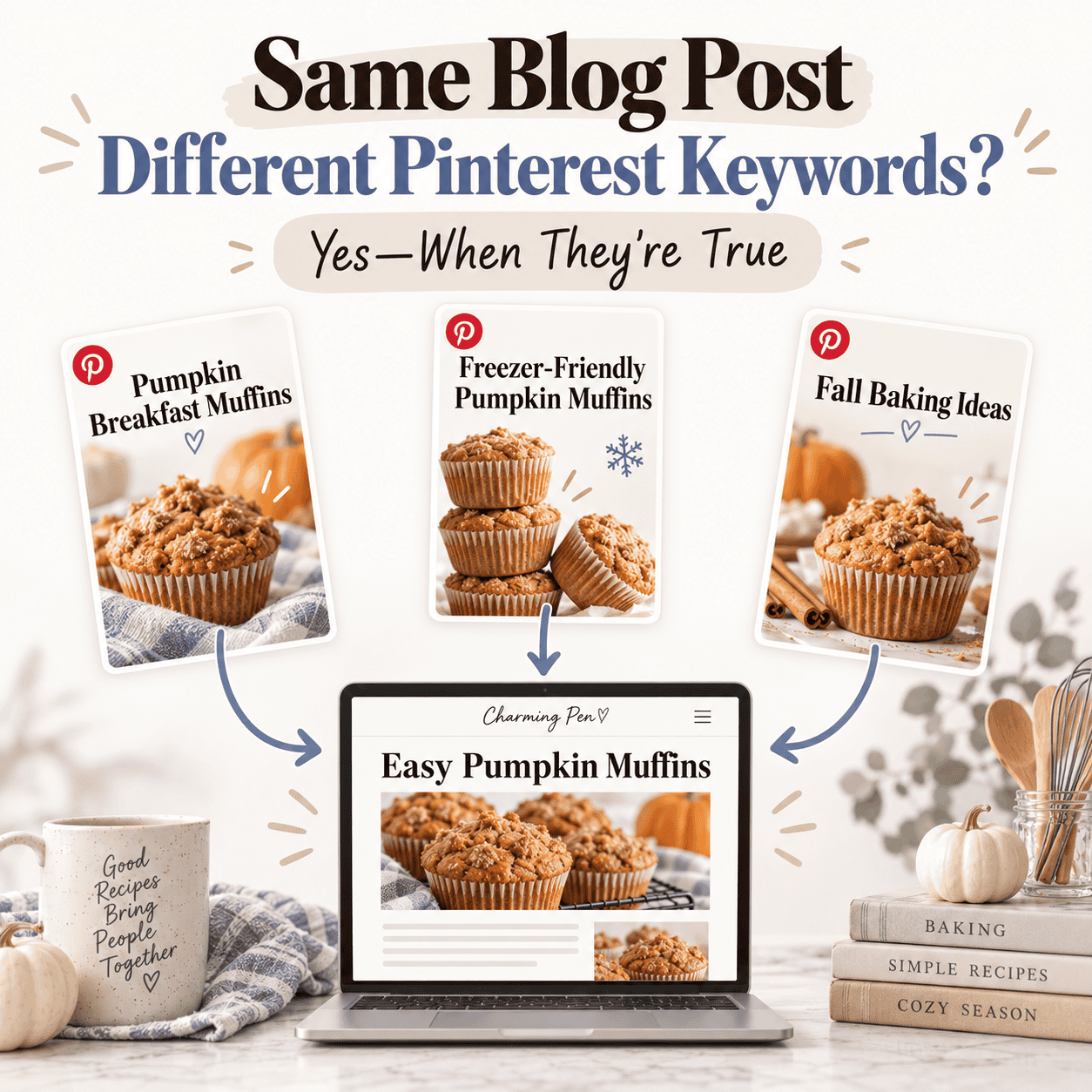
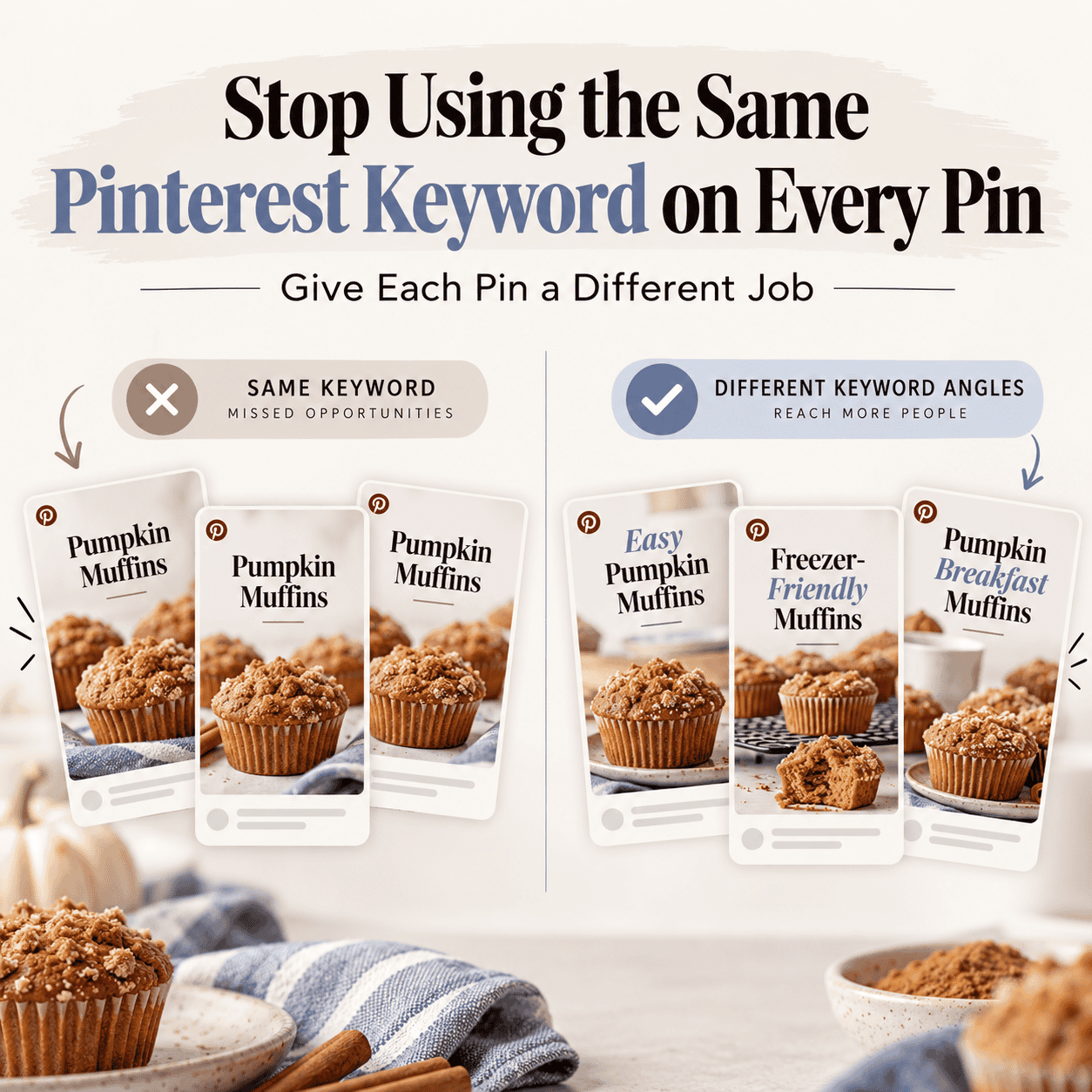
- Refresh instead of recycle — 3–5 fresh pins per URL go further than 20 copies of the same design.
- Strengthen your overall Pinterest strategy across multiple Pinterest accounts.
Final Takeaway: A 2025 Pinterest Reality Check
If your pins aren’t appearing in search, it doesn’t mean the platform has stopped working — it means the rules have shifted. Pinterest is prioritizing fresh pins, detailed metadata, and engaged boards.
Your job now is to:
- Rebatch old URLs with new visuals.
- Layer in extra details for stronger indexing
- Monitor what’s still surfacing in search and adjust your strategy accordingly.
👉 The first thing to do if you see Pinterest not showing pins is to audit your top URLs, create a new pin image, and update descriptions.

Free Refresh Checklist
Download the Pinterest Content Refresh Checklist for a straightforward, repeatable process to update pins, boards, and descriptions step-by-step.
👉 Still worried Pinterest itself isn’t working? Read Feeling Done With Pinterest? — Here’s Why Your Strategy Matters to shift your mindset before you refresh.

Pins were published
👉 They were showing publicly before
👉 Then suddenly — they stopped appearing publicly or showing in search / feeds. now my pinterest account pins are not show after published.please solve my issue
Hi Mayesha— thank you for sharing this. I know how stressful that feels.
If your pins were:
-Published
-Showing publicly
-Appearing in search and feeds
And then suddenly stopped appearing
That doesn’t usually mean your account is broken or deleted.
In most cases, it means Pinterest’s indexing system has reclassified or temporarily de-indexed the pin — not removed it.
Here’s what that actually means:
Your pin is still live.
The link still works.
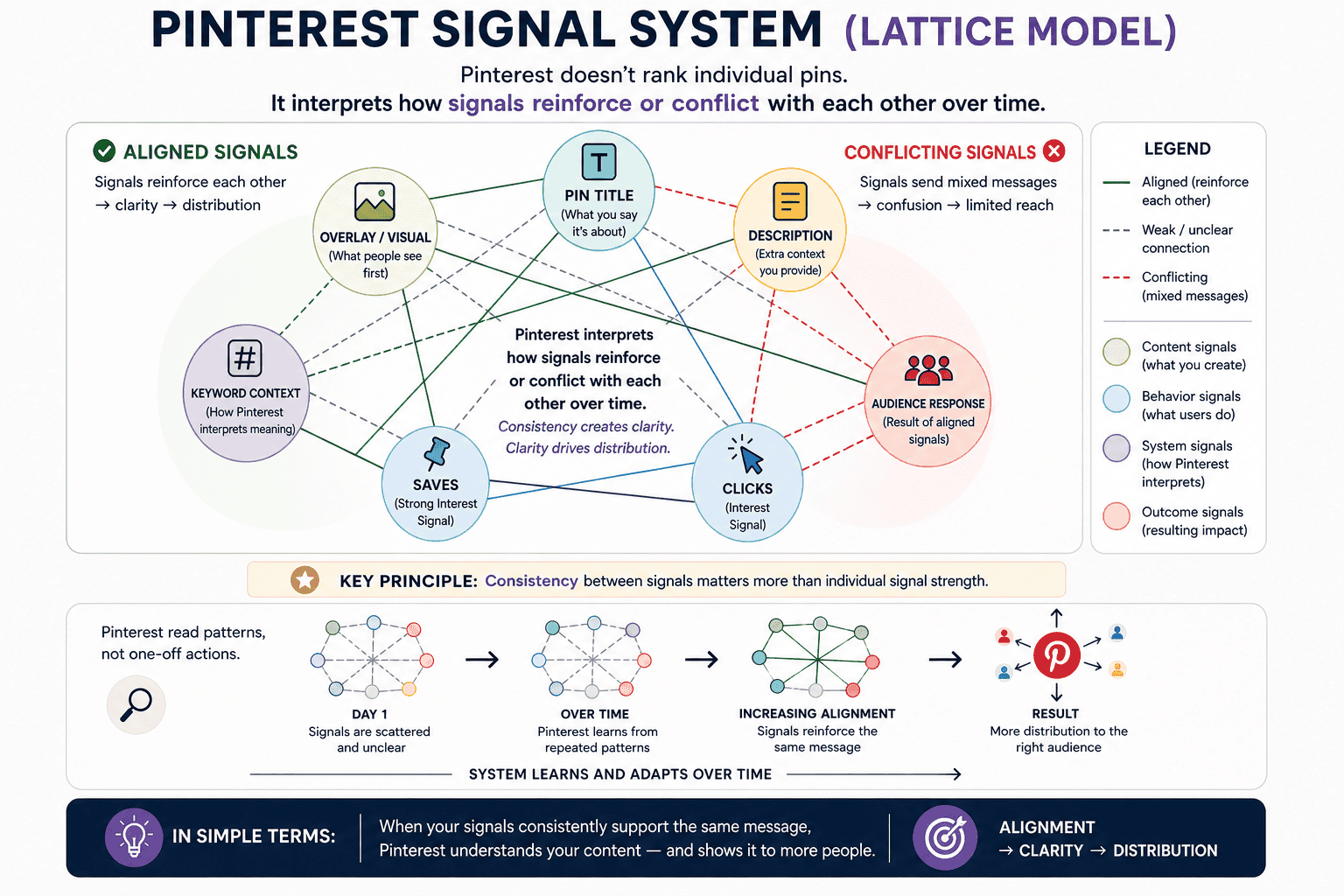
But Pinterest may have pulled it out of search results while it re-evaluates quality, engagement, and freshness signals.
Pinterest is now operating much more like a search engine. That means:
Fresh designs are prioritized
Boards need to be active and clearly themed
Descriptions need layered metadata (keywords, prep time, audience intent, etc.)
Repetitive designs or keyword stacking can reduce visibility
If pins disappear from search after previously ranking, it’s often a distribution cooling cycle, not a penalty.
Here’s what I recommend:
Do not delete the pins.
Check your Account Status in settings to confirm there are no violations.
Pause posting for a few days if you’ve recently increased volume.
Create one or two truly fresh pin designs for your strongest URL (new layout, new overlay structure, updated description).
Save only to your most relevant, active boards — avoid broad group boards.
Monitor for 3–7 days before making more changes.
In many cases, visibility returns once Pinterest detects renewed relevance and engagement.
If your pins still load via direct link, that’s a good sign — it means they are live, just not currently prioritized in search.
Pinterest hasn’t stopped working. The ranking system has simply become stricter and more search-focused.
If you’d like, you can share:
Whether all pins disappeared or just new ones
How often you were publishing
Whether you changed boards or niche recently
That will help narrow down the exact cause.
You’re not alone in this — many strong accounts experienced similar shifts as Pinterest evolved. The key now is strategic refresh, not panic cleanup.