Pinterest isn’t ignoring your content because it’s unpredictable.
It’s ignoring it because many Pinterest pins fail basic visual communication.
Most low-performing pin images don’t struggle because they’re off trend or missing some secret hack — they struggle because they’re hard to read, hard to process, or easy to skip.
And on a visual search engine built for fast scrolling on mobile devices, that’s enough to stall outbound clicks before your pin ever has a chance.
Let’s break down the most common Pinterest pin design tips people overlook — and why these mistakes quietly hurt visibility, saves, and blog traffic.
Mistake #1: Confusing “On Brand” With “Good Pin Design”
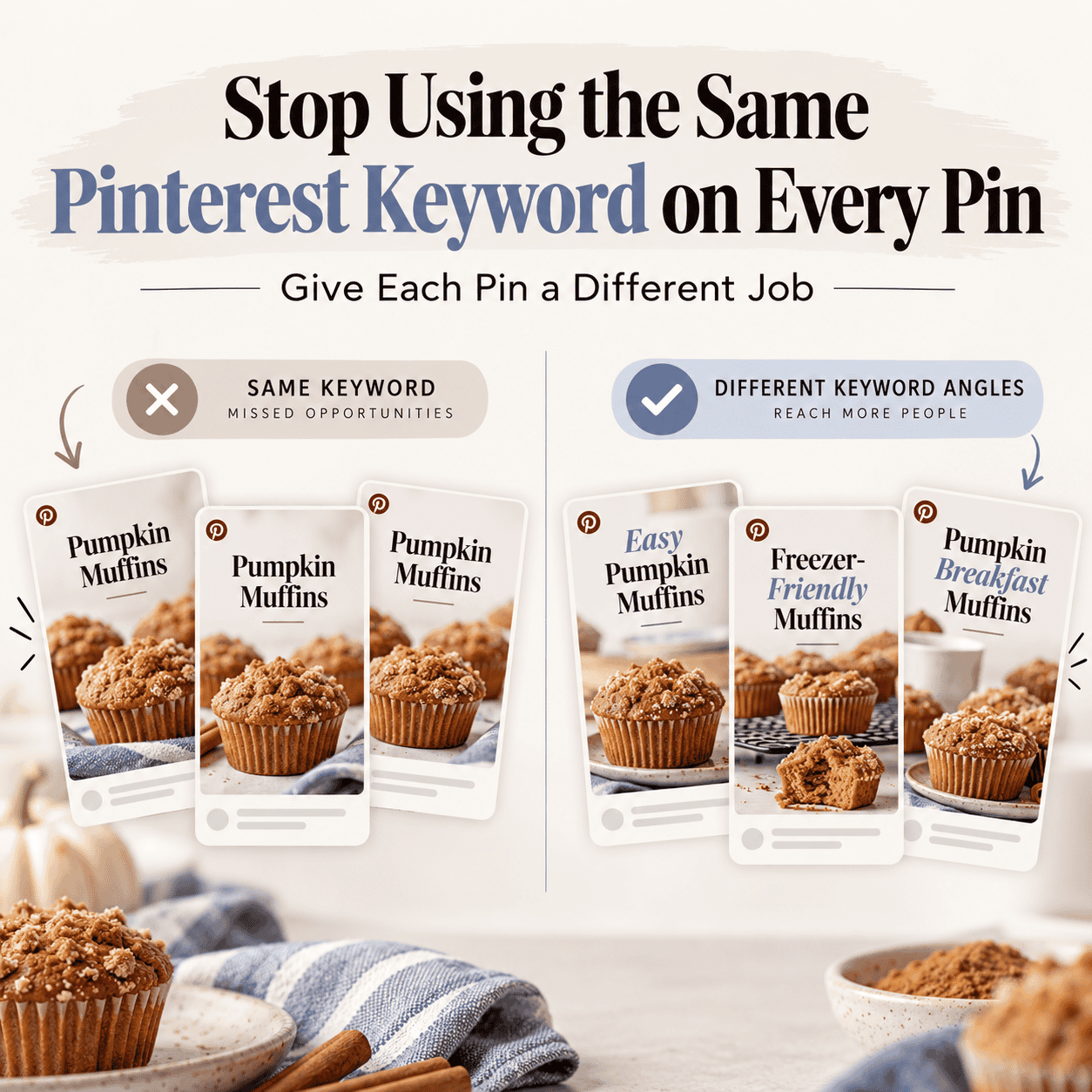
Consistency matters — but repetition without variation works against you.
If your own pins all use:
- the same layout
- the same font style
- the same brand colors
- the same text placement
your content stops standing out in search results and the feed.
Pinterest rewards variation across new pins. A beautiful pin still needs visual contrast to earn attention — especially when it appears next to dozens of competing pin graphics.
Your brand style should support clarity, not overpower it.
A pin can be polished, on-brand, and professionally designed — and still underperform if it prioritizes aesthetics over clarity.
Mistake #2: Poor Typography (Why “Ugly” Pins Actually Fail)
Most pins people call “ugly” aren’t ugly because of taste — they’re ugly because the text is unintelligible at speed.
Common typography mistakes:
- bad kerning and cramped letter spacing
- inconsistent word spacing
- long phrases in a script font
- decorative fonts replacing readable serif fonts
- text overlays packed too tightly
Pinterest users don’t read — they scan.

If your text slows comprehension, your pin is skipped.
That’s not branding — that’s friction.
Mistake #3: Ignoring Mobile Readability
If your pin only works on desktop, it doesn’t work.
Before publishing, view your pin images at phone size and ask:
- Can this be read instantly?
- Is the message clear without zooming?
- Does it hold attention in a fast feed?
Pinterest traffic is driven by mobile-first discovery. If the design fails there, your Pinterest account performance suffers no matter how good the content is.
Pinterest tracks how users interact with pin images — quick skips, pauses, saves, and clicks all feed future distribution. When pins are hard to read or visually overwhelming, users move on faster, and Pinterest learns not to resurface them.
In audits, readability issues often show up alongside other problems — especially when pins are repetitive, overly branded, or misaligned with how Pinterest distributes content.
Mistake #4: Forgetting White Space and Margins
White space and margins aren’t aesthetic choices — they’re functional ones.
Pins with cramped edges are harder to scan in a compressed feed, especially as Pinterest continues to tighten spacing around ads and promoted content. When text competes with edges, comprehension slows and users move on faster.
Good margins:
- improve readability
- create breathing room
- help your pin stand out in the right place
For clarity and sanity: margins matter.

Mistake #5: Designing for the Brand Kit Instead of the Feed
Many creators design pins to match their website — not the Pinterest feed.
But most users seeing your pin:
- don’t know your brand yet
- aren’t evaluating your color palettes
- are deciding in under a second whether to click
Pinterest favors clarity over cleverness. Whether you’re using bright colors, a dark background, or a white background, contrast and legibility always win.
The Four-Question Pin Test (Run This Every Time)
Before publishing your next batch of fresh pins, ask:
- Is it readable on mobile?
- Is the message obvious at a glance?
- Would I actually click this?
- Would a 20-year-old say it sucks?
Gen Z drives discovery behavior on Pinterest.
If they scroll past it, you lose the majority of Pinterest users.
You Don’t Need More Pins — You Need Better Templates
You don’t need endless designs or hours in design tools.
Start with 10 solid Canva pin templates that:
- support different types of pins
- allow variation in layout and different colors
- work with own image photography or new photos
- stay readable in search results
Then expand slowly — one template at a time — based on what performs.
That’s a smarter Pinterest strategy than flooding the platform with unreadable pins.
What to Fix First If Your Pins Aren’t Getting Clicks
If you only fix one thing, fix this:
- Make your text readable at phone size.
- Increase spacing and margins.
- Simplify the message to one clear idea per pin.
You can refine branding later. Readability fixes performance first.
Final Thought
Pins don’t fail because Pinterest is harsh.
They fail because users can’t process them quickly enough.
Typography, spacing, contrast, and clarity aren’t cosmetic choices — they’re performance factors that directly impact outbound clicks and blog traffic.
If your pin is hard to read, Pinterest can’t save it.