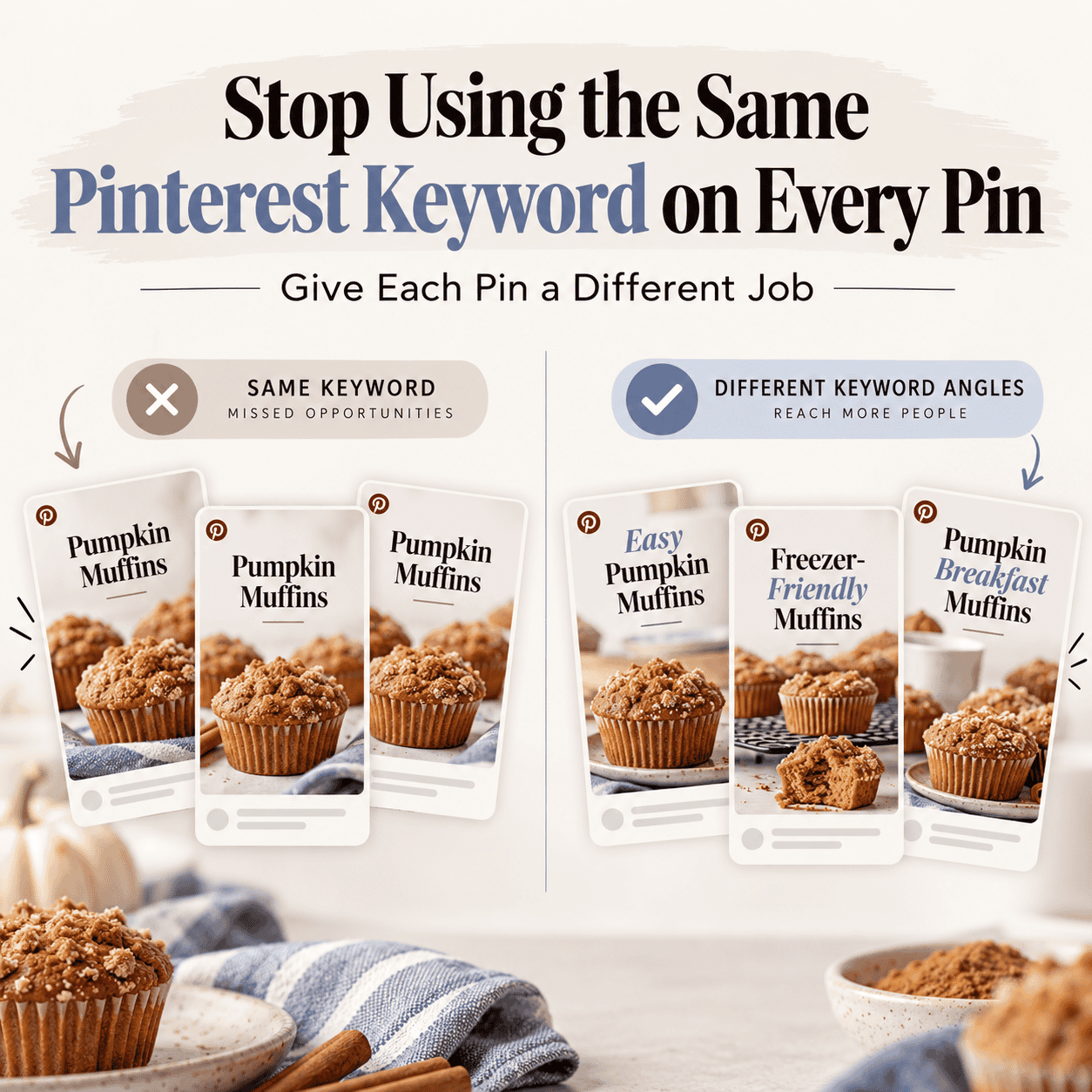
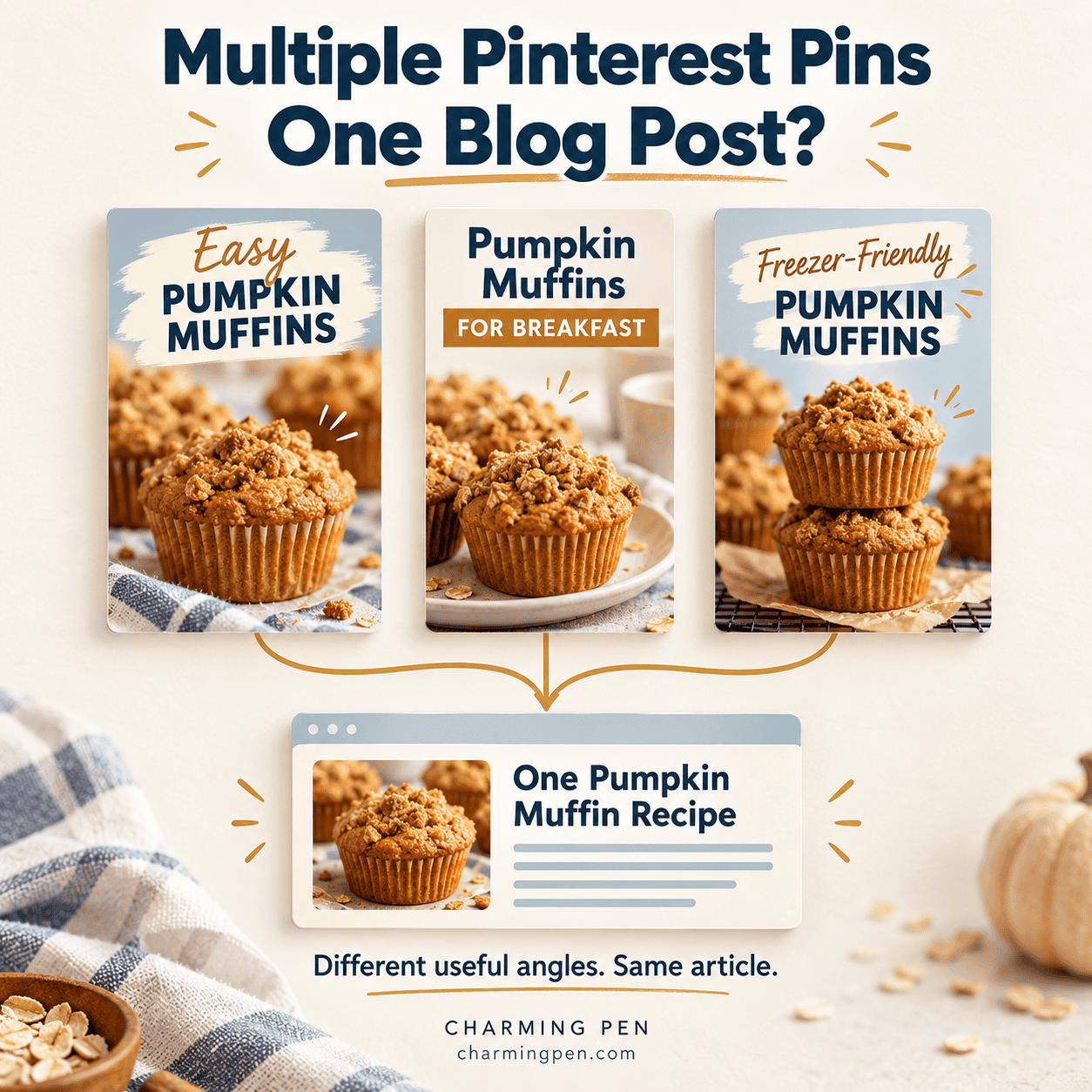
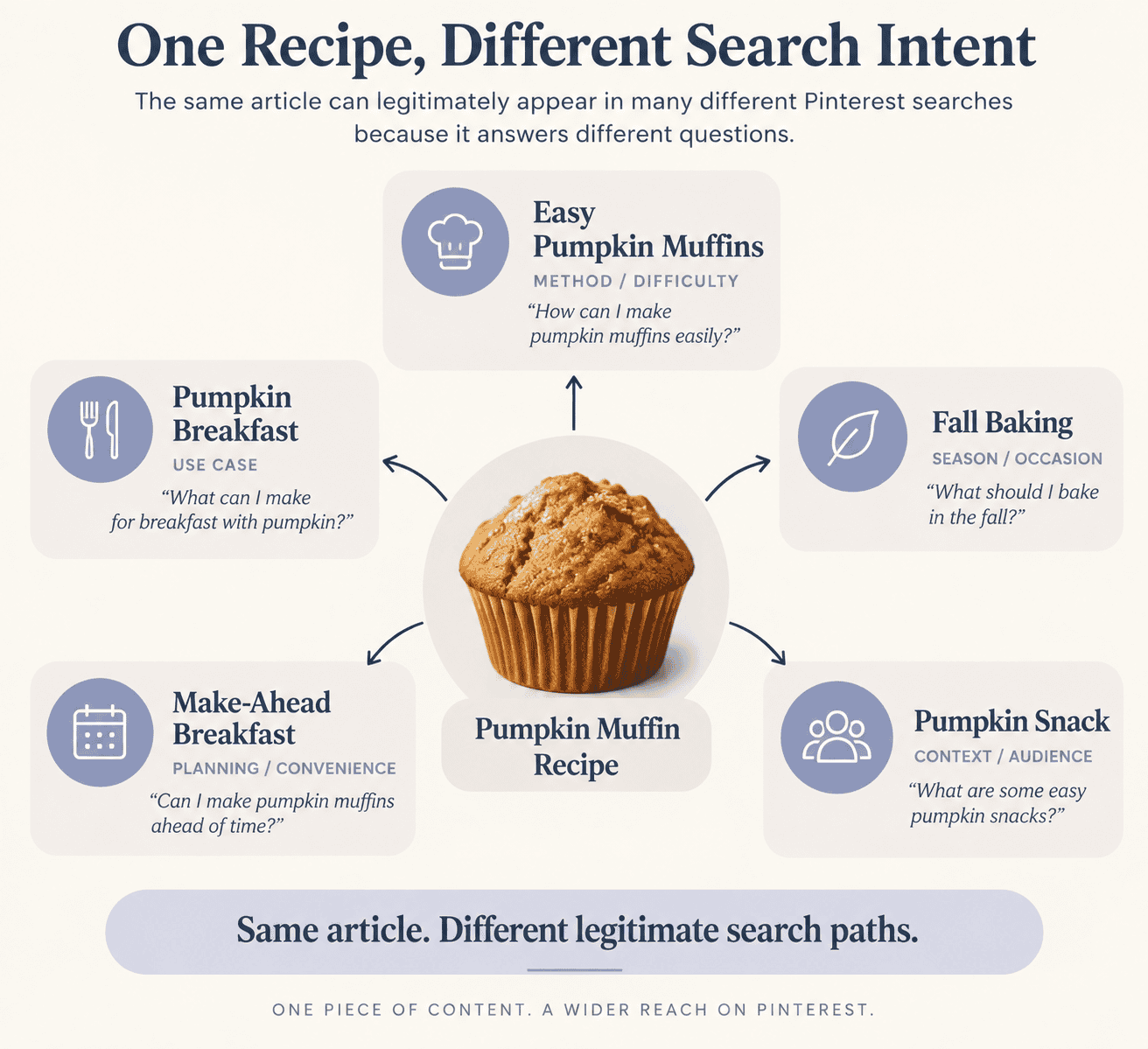
Pinterest is one of the most powerful platforms for building an online presence, and your pin descriptions play a significant role in determining the reach of your content. A strong Pinterest strategy means more than just uploading images—it’s about writing engaging descriptions, targeting the right keywords, and refining your approach over time. That’s where ChatGPT prompts and iterations can take your account to the next level.
What Is an Iteration in ChatGPT?
An iteration is simply the process of giving ChatGPT a prompt and analyzing the generated responses. Each time you refine the prompt, you improve the output. This ongoing cycle helps you create perfect pin descriptions that are keyword-rich, human-like text, and aligned with your target audience.
Instead of relying on one quick answer, think of iterations as a system for building better results. With each pass, you reduce redundancy, refine your phrasing, and enhance your click-through rates.
Using Iterations in Your Pinterest Marketing Strategy
Your Pinterest marketing strategy should evolve throughout the year:
- Start in January: Review your Pinterest boards, Pinterest pin titles, and descriptions. Verify if they’re still targeting the correct audience.
- Spring & Summer: Test out new iterations during the summer slump. It’s the perfect time to experiment with different relevant keywords and Pinterest SEO tactics.
- Fall & Q4: By September, your most effective iterations should be showing traction. Continue optimizing your Pinterest marketing efforts to ensure they are at their strongest for Q4.
The key is consistency—don’t change your prompts too often. Give each version three to four weeks to see if it moves the needle before adjusting again.
Organizing Prompts and SOPs
To keep your iterations manageable, stay organized.
- Save your iteration prompts inside a ChatGPT project folder.
- Add them as files (each file in ChatGPT 5 allows up to 8,000 characters). If your prompt runs longer, save it to a .doc so you can keep building on it. Just copy and paste back in before using for workflow.
- If you have a prompt saved inside Chatgpt it will work right off of that in the project file without the need to paste in again. BUT don’t mix the messages if you are working from a project prompt don’t paste another in, at least not without telling the AI you are doing so.
- Keep a simple process for reviewing outputs, updating keywords, and noting what worked best.
This structure helps you quickly adjust and fine-tune without losing track, and it makes your descriptions stronger over time.
Why ChatGPT Is a Valuable Tool for Pinterest Users
The free ChatGPT account can only take you so far. At $20/month, the paid version gives you:
- Access to the newest models for more human-like text
- Project folders to manage Pinterest content efficiently
- Larger file support for long prompts
- Smarter iterations that align with your Pinterest marketing strategy
Think of ChatGPT as a powerful tool—not just for writing, but for testing ideas, analyzing Pinterest titles, and even checking competitors’ descriptions. With the help of ChatGPT, you can fine-tune your Pinterest presence and push your Pinterest profile toward greater success.
Takeaway
Pinterest is more competitive than ever, and the game is all about intelligent optimization. Iterations with ChatGPT enable you to refine Pinterest pin titles, optimize SEO, and build an account that grows steadily. The key benefits stem from feeding ChatGPT your keyword lists, carefully reviewing the outputs, and maintaining consistency with updates.
The power of AI isn’t about one-click solutions. It’s about utilizing ChatGPT as a valuable tool to support your content creator workflow, enhance your Pinterest marketing strategy, and craft engaging descriptions that resonate with your target audience.