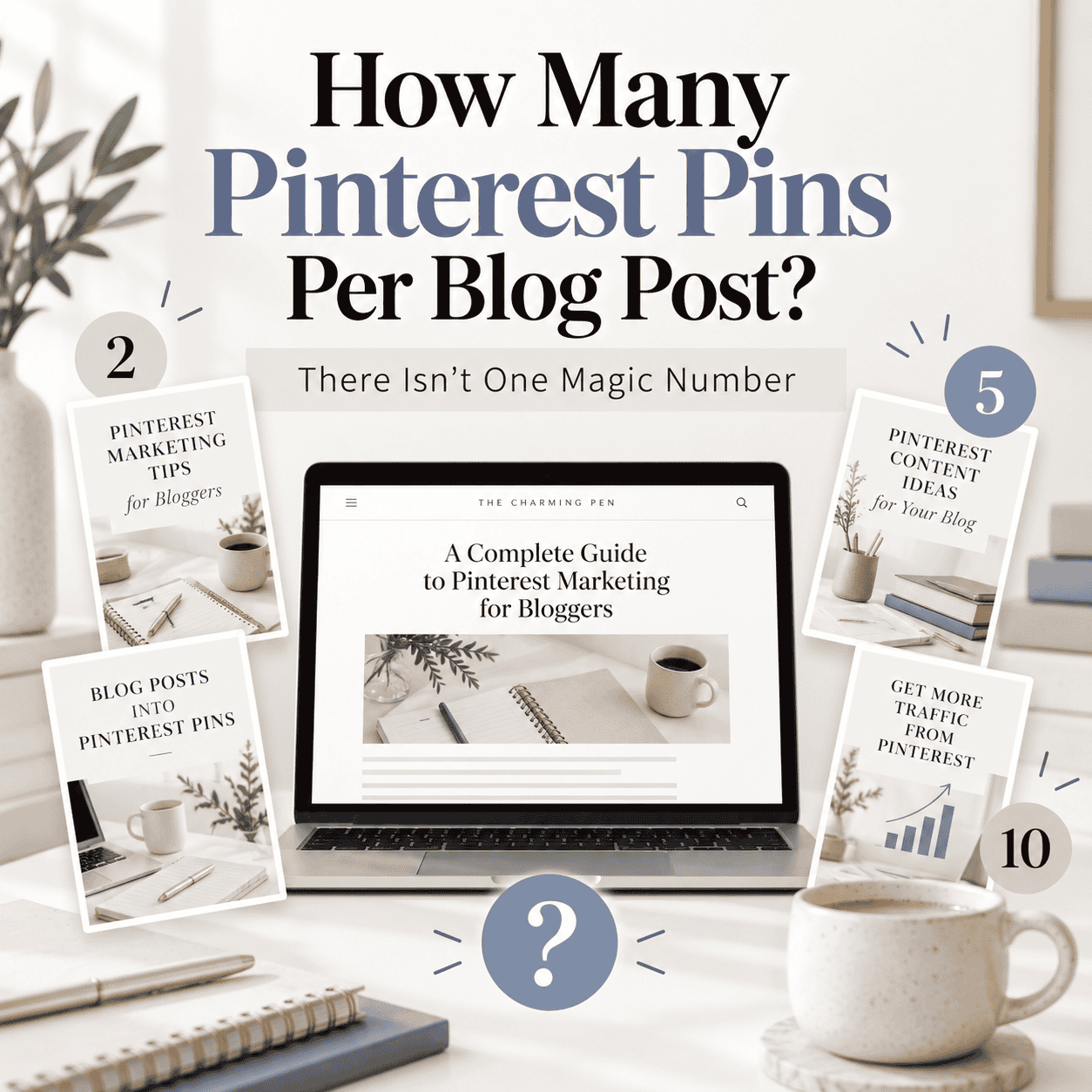
If you’ve been searching how many Pinterest Pins per blog post you should create, you’ve probably found recommendations ranging from a handful of Pins to ten or more. Here’s the frustrating answer: there isn’t one number that works for every article.
There isn’t one number that works for every article.
Some blog posts may only give you two or three strong Pin ideas.
Others might support ten or more over time.
The better question is not:
How many Pins should I make?
It’s:
How many genuinely different reasons could someone have to find this article?
How many Pinterest Pins should you make per blog post?
There is no universal number. A simple article may only support 2–3 genuinely different Pins, while a detailed article may support 10 or more over time. Stop when you can no longer create a Pin that gives someone a materially different, truthful reason to find the article.
Some Articles Naturally Have More Pin Ideas
Imagine you have a very short article announcing a new product.
There may only be a few useful ways to present it.
Now compare that with a detailed pumpkin muffin recipe.
That recipe might legitimately be useful for someone searching for:
- easy pumpkin muffins
- pumpkin breakfast ideas
- freezer-friendly muffins
- fall baking
- recipes using leftover pumpkin puree
Those aren’t simply five different graphic designs. If you’re wondering whether you can create multiple Pinterest Pins for the same blog post in the first place, I break that down separately here.
They’re five different reasons someone might want the same recipe.
That’s why two blog posts shouldn’t automatically receive the same number of Pins.
How Many Pinterest Pins Per Blog Post Is Too Many?
You have too many when the new Pins stop representing genuinely different search intents or reasons to click. You’ll find plenty of Pinterest advice recommending a particular number of Pins per article.
Current examples range from around 5–10 Pins to 10–15 or considerably more. PinPinterest
The problem with using a fixed target is that it can encourage you to keep creating after you’ve run out of meaningful ideas.
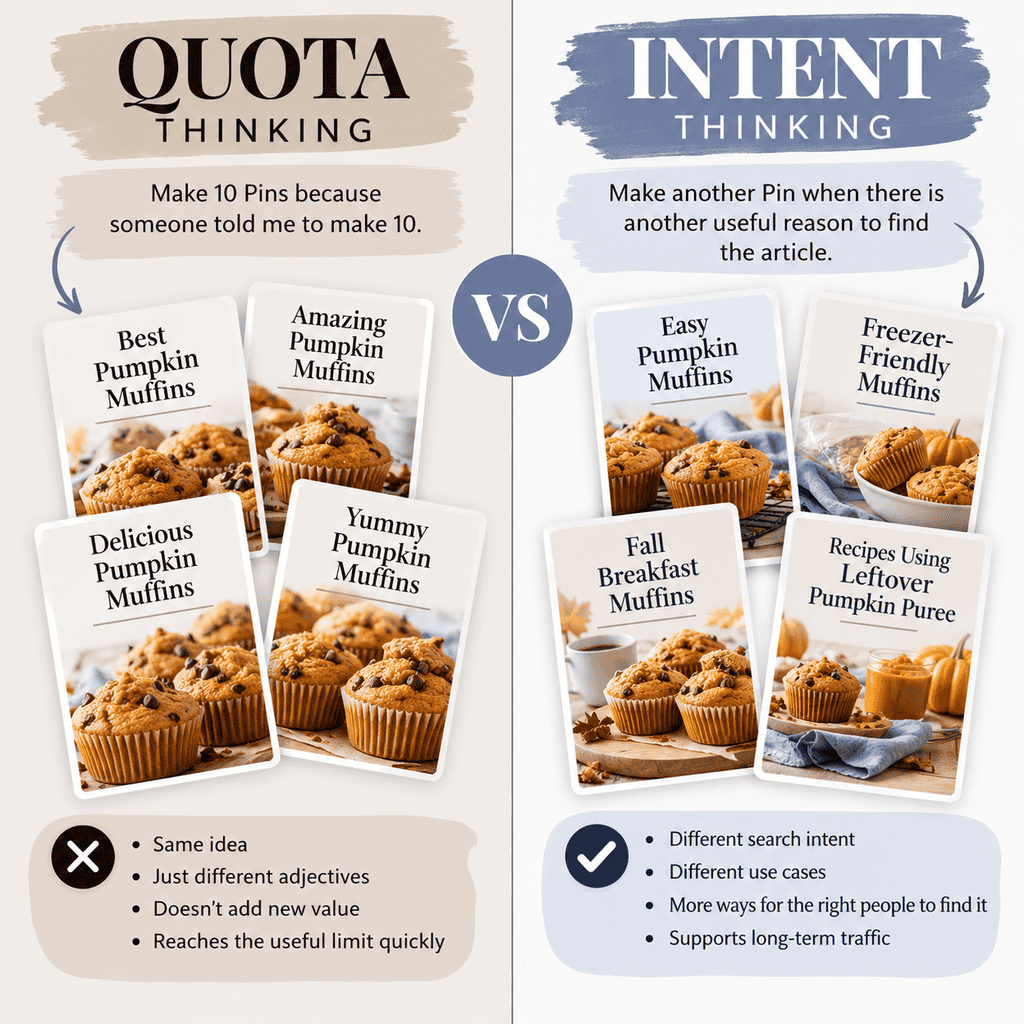
That’s when you start getting Pins like:
Best Pumpkin Muffins
Amazing Pumpkin Muffins
Delicious Pumpkin Muffins
They look different, but they’re essentially communicating the same thing. If you’re creating more Pins but traffic isn’t growing, the problem may not be volume at all. It can be a sign that your Pins are repeating the same idea instead of giving Pinterest and readers new reasons to discover the page.
Pinterest currently recommends creating original content regularly while also warning creators not to repeatedly upload or save duplicate Pins. Pinterest Help
So more isn’t automatically better.
Stop When You Run Out of Useful Angles
A single URL can support several Pinterest Pins when each Pin represents a genuinely different search intent, use case or reason to discover the article. A simple way to decide whether another Pin is worthwhile is to ask:
Does this new Pin give someone a different, truthful reason to click?
If yes, you may have another useful Pin.
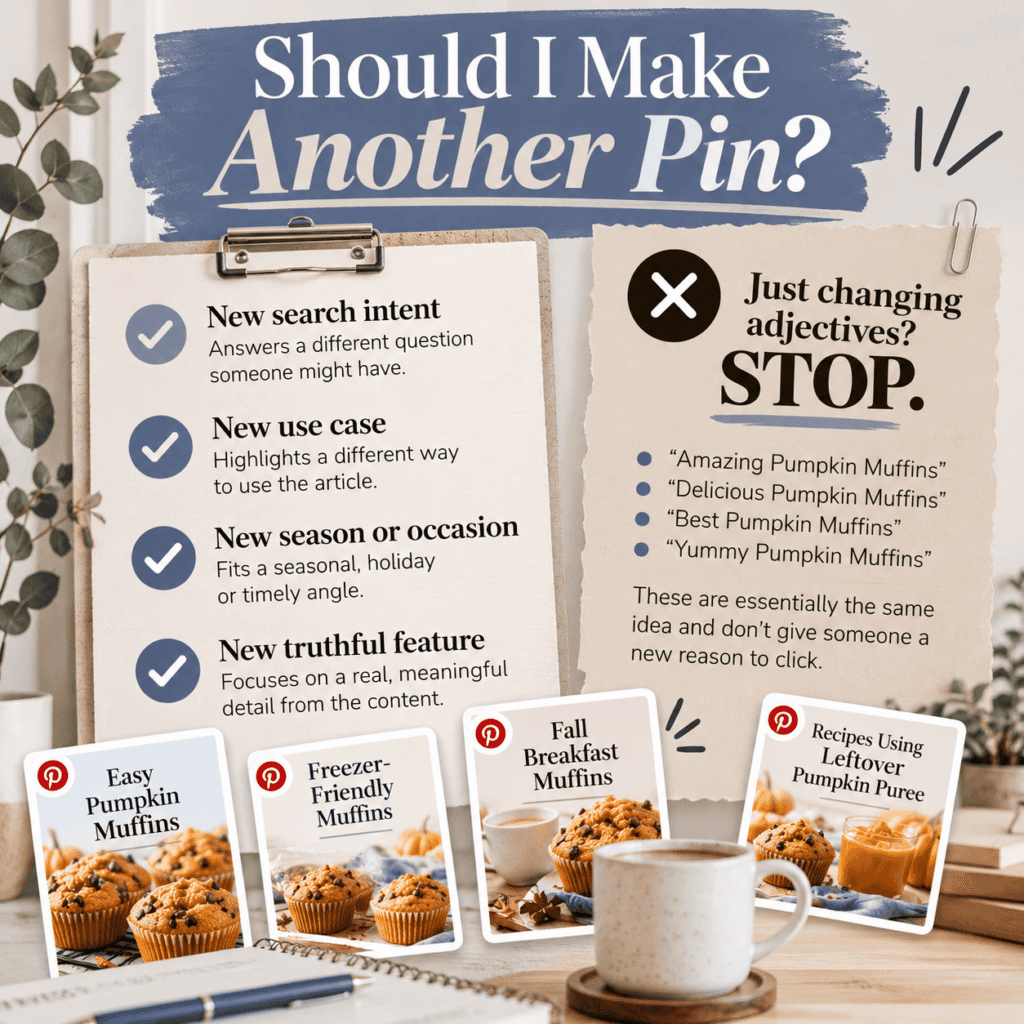
If you’re simply changing colours, swapping adjectives or slightly rewriting the same headline, you’ve probably reached the useful limit for now.
That doesn’t mean the article is finished forever.
A new season, new photography, a newly discovered keyword, an emerging Pinterest trend or a different use case may give the article another legitimate Pin opportunity later.
That’s why I think of an article’s Pin count as flexible rather than fixed.
In One Article, Many Pinterest Search Paths, I describe this as the article determining its own ceiling. You reach that ceiling when you’re no longer discovering materially different questions that the content can truthfully answer.
For beginners, the simplest rule is:
Make another Pin when you have another useful idea—not because you haven’t hit a quota yet. For one blog post, that might mean three Pins. For another, it might mean ten. The useful number is the number of distinct Pinterest search opportunities the article can truthfully support.
You Asked, Amber Answers
Pinterest advice can get complicated fast. Here are my quick answers to a few of the most common questions around this topic.

Yes—this image was made with AI. As a small business owner wearing a lot of hats, I don’t always have the time to arrange a professional photo shoot, so this is one way I create polished visuals for my business.