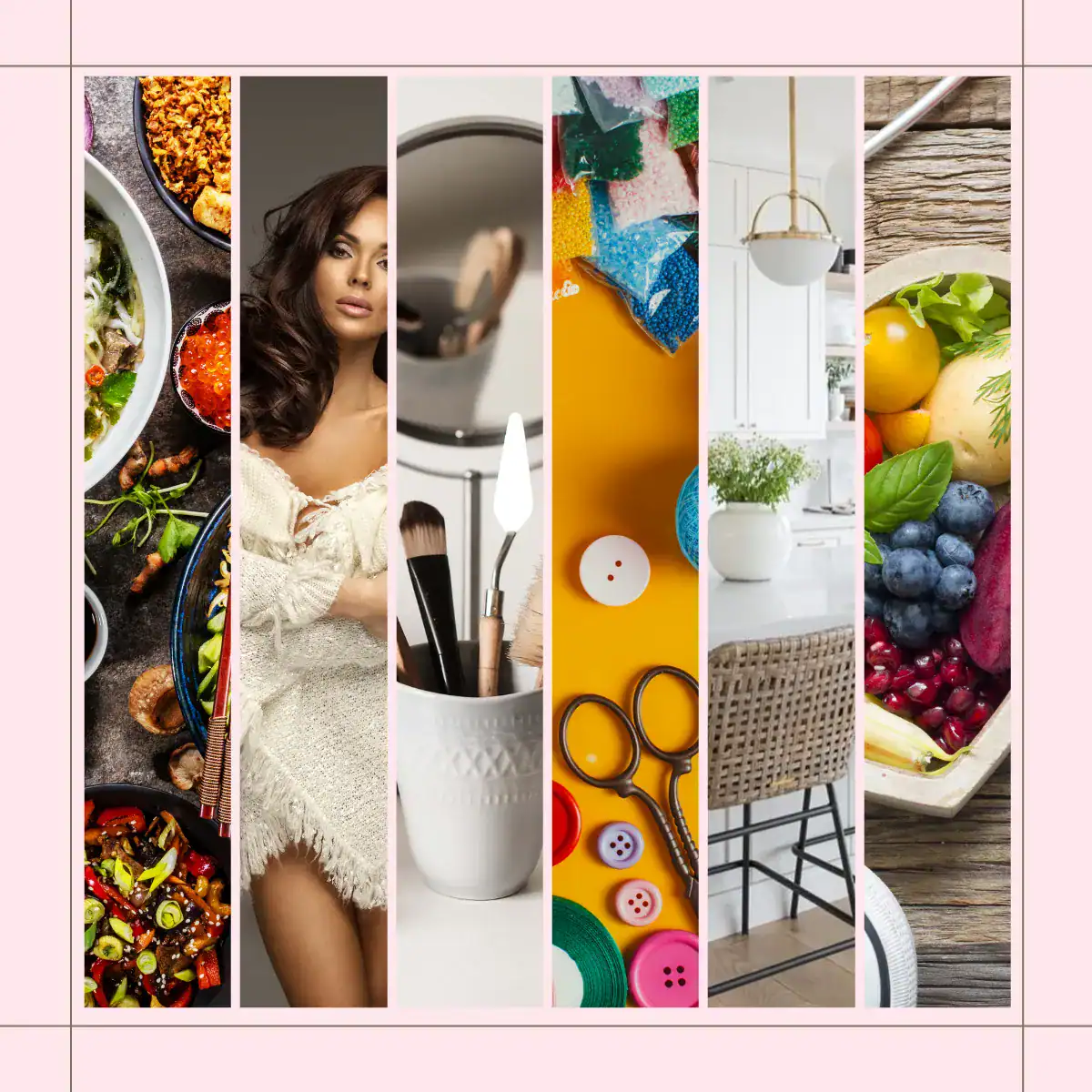
Yes, you can create multiple Pinterest Pins for the same blog post. Each Pin can link to the same article while showing a different image, design or useful detail the article supports.
In fact, one blog article may give you several legitimate reasons to create a new Pin. Each new Pin should offer a useful variation in its image, design or message. Avoid repeatedly publishing near-identical Pins simply to increase exposure.
That’s where the distinction gets important.
The URL Can Stay the Same
Imagine you’ve written a recipe for pumpkin muffins.
Your first Pin might focus on:
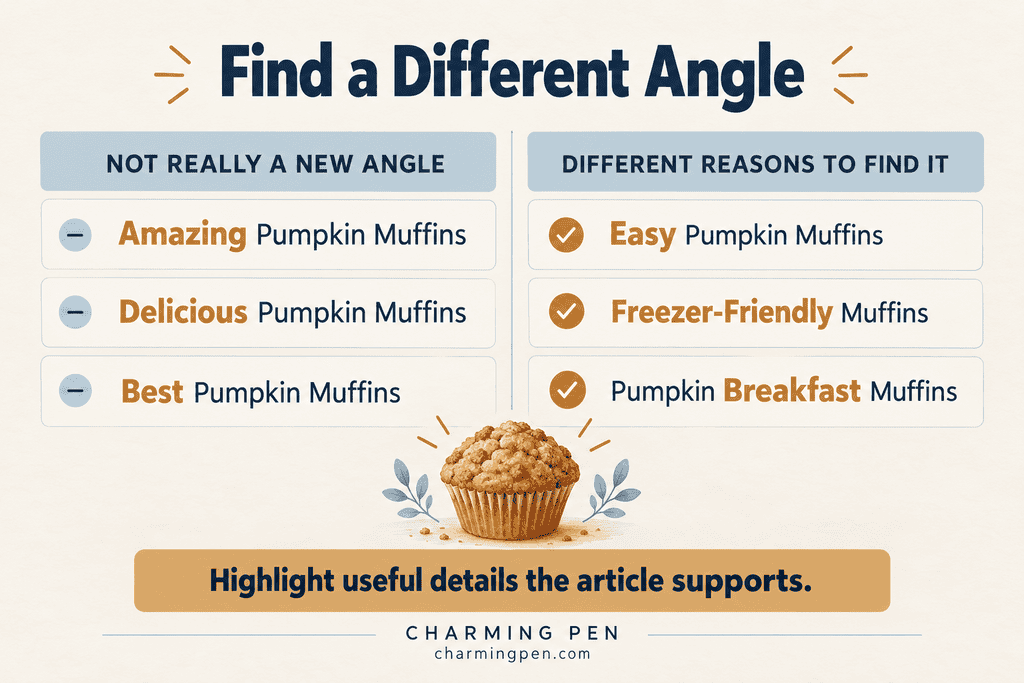
Easy Pumpkin Muffins
Another could highlight:
Pumpkin Muffins for Breakfast
And another:
Freezer-Friendly Pumpkin Muffins
All three Pins can lead to the exact same pumpkin muffin recipe.
The blog post hasn’t changed. What’s changed is the useful reason someone might discover it.
Pinterest itself recommends creating original content regularly while warning against repeatedly saving duplicate Pins. Pinterest also advises creators to make sure their images, text and keywords accurately match the destination page. Pinterest Help
That’s an important combination.
Creating more than one Pin for an article isn’t an invitation to make claims the article doesn’t support. It’s an opportunity to show different truthful parts of the same content.
Look Beyond Colour Changes
This is where bloggers sometimes get stuck.
You create one Pin that says:
Easy Pumpkin Muffins
Then make another that says:
Amazing Pumpkin Muffins
Then:
Delicious Pumpkin Muffins
A different design can make the same recipe more appealing to another reader. For practical ways to vary your visuals, read my Pinterest Pin Design Tips: Avoiding the Over-Branded Trap. You can also vary the message by highlighting a useful detail the article supports, such as breakfast ideas, freezer storage or a one-bowl method.
Instead, look inside the article.
Does the recipe work for breakfast?
Can it be frozen?
Does it use leftover pumpkin puree?
Is it made in one bowl?
Does it fit a seasonal occasion?
Those details can give you genuinely different Pin concepts without changing what the article is actually about.
How Many Pins Can One Blog Post Have?
There isn’t one number that works for every article.
A short announcement might only support one or two useful Pin ideas.
A detailed evergreen recipe, tutorial or guide might support many more.
Instead of starting with:
How many Pins should I make?
Try asking:
How many genuinely different reasons would someone have to find this article?
Once you’re simply finding new ways to say the same thing, you’ve probably reached the useful limit.
You can also try a different image or design for the same angle; every new Pin doesn’t need a completely new topic. For a deeper explanation of how one article can answer different searches, read One Article, Many Pinterest Search Paths.
Does Every Blog Post Need Several Pins?
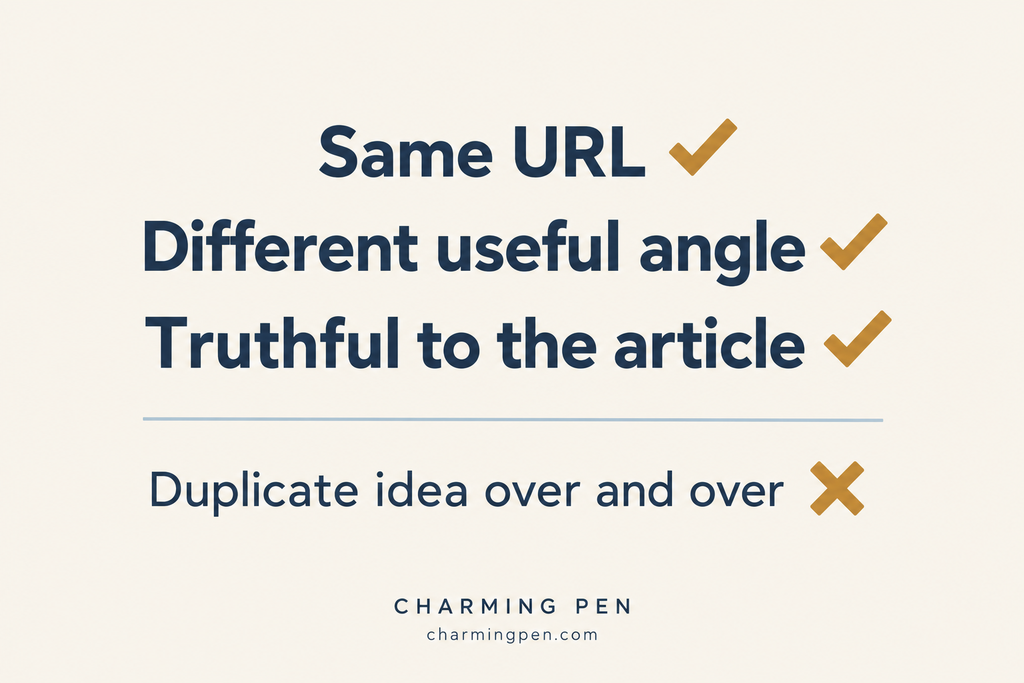
No. Start with one clear Pin, then consider whether another image or supported angle would help readers discover the article. Some posts offer more possibilities than others.
For beginners, though, the rule can stay simple:
Same blog post? Fine. Give each new Pin a useful variation, and keep its promise true to the article.