If you’ve ever looked at a Pinterest pin and thought, “It’s just an image with some text,” this one’s for you.
A successful pin isn’t just a pretty picture. It’s the result of strategy, keyword research, design precision, and constant adaptation to a platform that never stops evolving. Every single Pinterest pin I create is built to perform — and that process takes far more than a few clicks in Canva.
And here’s the nuance most people miss: even when a pin isn’t “performing” by gaining saves or outbound clicks, it’s still performing contextual layering for Pinterest’s AI. Every pin adds depth to how Pinterest understands and categorizes the URL it connects to. Over time, that layered data helps the platform determine where your content belongs, what it relates to, and who it should reach next.
It Starts With Research, Not Design
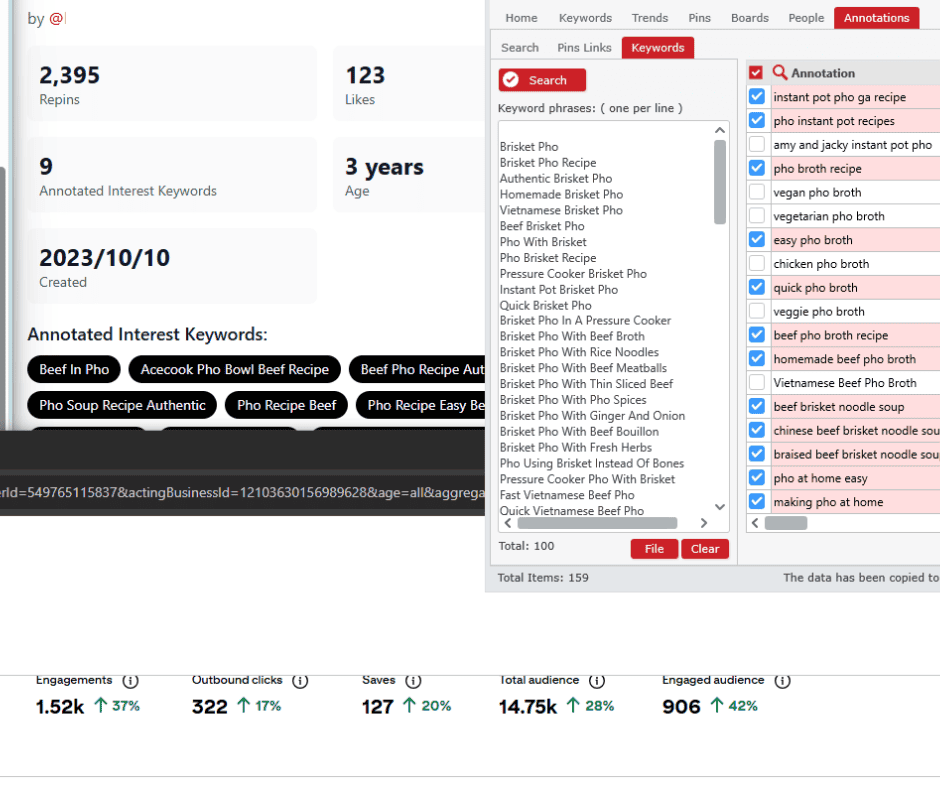
Before I ever open Canva, there’s research to do. Pinterest is constantly evolving, and what performed last month might not land today. In fact, we’ve seen annotations shift on pins hourly, which means Pinterest’s AI is actively rearranging how it views and classifies Pinterest images and Pinterest pin designs in real time.
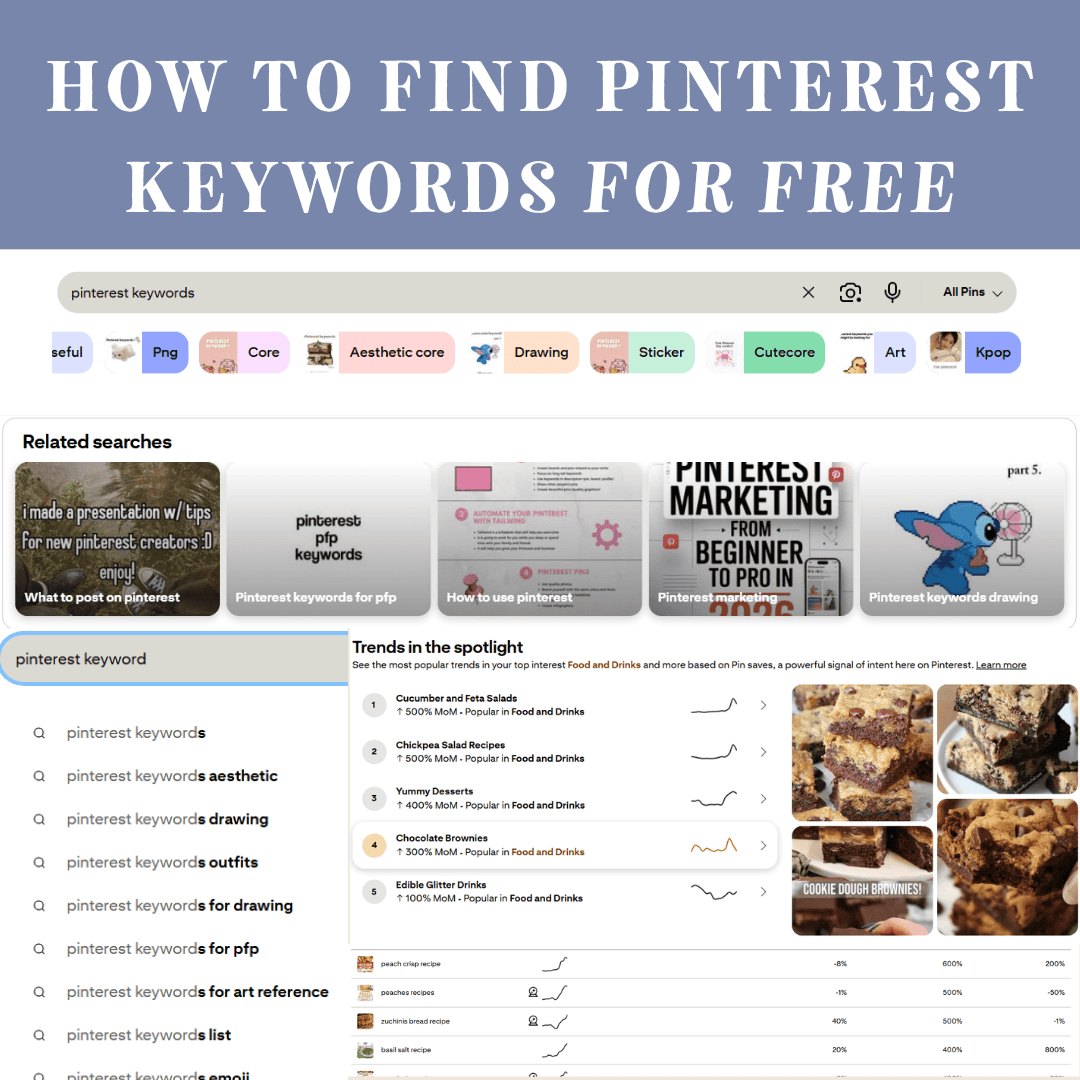
Those shifts are driven by new cues — what Pinterest users are searching, saving, and engaging with across the platform. That’s why I don’t rely on static keyword banks. I pull real-time Pinterest trends data daily or weekly — right in the moment of pin creation, depending on the batch I’m working on — to identify what’s trending now.
This isn’t about chasing trends; it’s about staying aligned with how Pinterest’s machine learning currently interprets topics and intent. Each new batch starts with that live analysis, shaping the pin descriptions, relevant keywords, and contextual layering that teach Pinterest exactly how to categorize each URL.
That process alone can take ten to twenty minutes per pin before design even begins — because a well-built Pinterest strategy takes time.
Keyword Layering Is What Keeps Pins Alive
A quick, surface-level description might get noticed for a moment — “Hey Pinterest, this is all about cinnamon buns.” That’s a valid signal, and sometimes that’s all it takes for short-term traction.
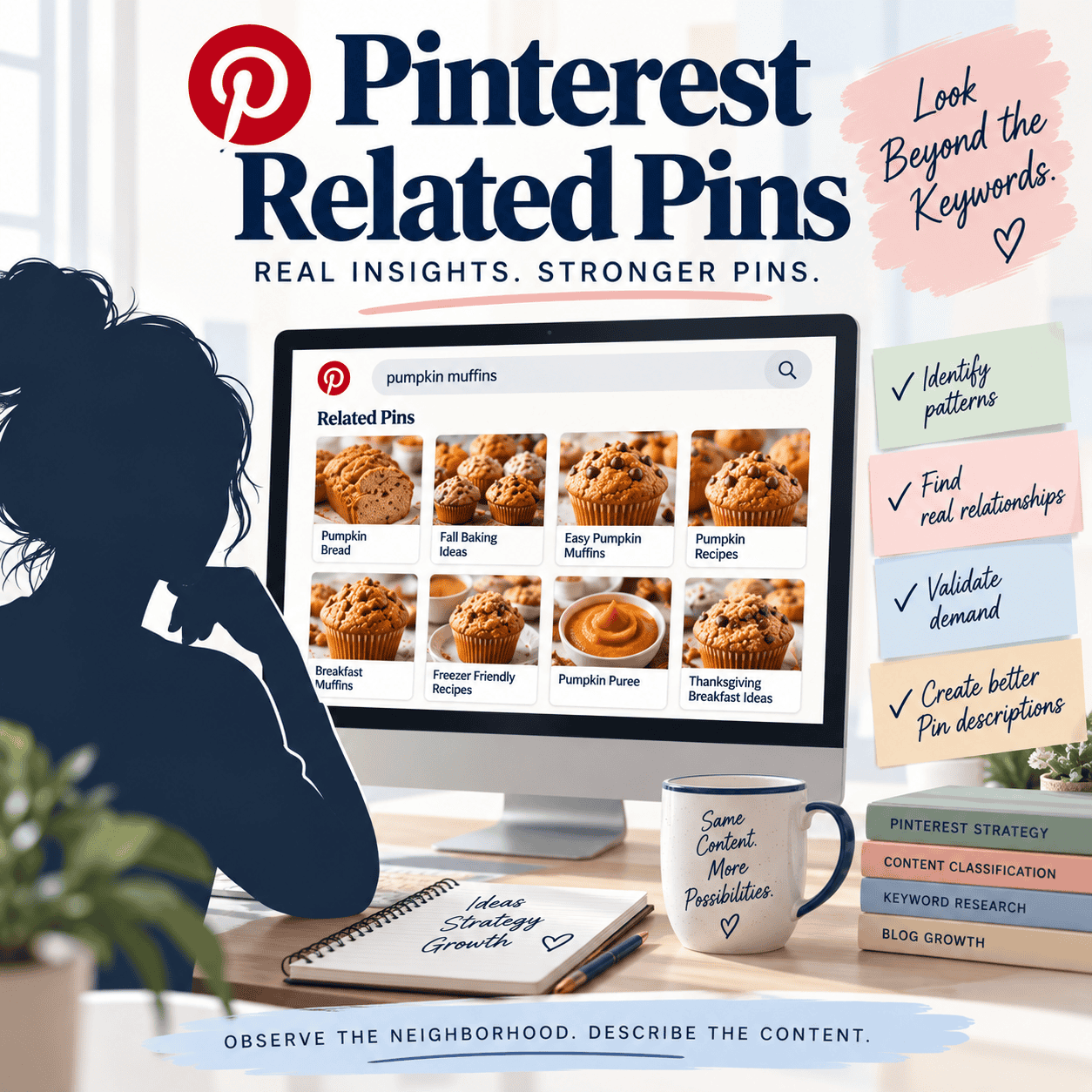
But long-term reach comes from keyword-rich layering — building out a contextual framework of related phrases that reinforce each other. Words like “cinnamon rolls,” “brunch recipes,” “baking ideas,” “fall desserts” — when used intentionally across your pin descriptions, titles, and board context — create multiple entry points for Pinterest’s AI to understand and resurface that content.
And here’s where “non-performing” pins still earn their keep: even if a pin never goes viral, it contributes valuable data to the topic cluster around that URL. Pinterest uses that input to map your site’s themes better and improve how it categorizes your future Pinterest pins in search results.
Every pin, visible or not, adds one more layer of understanding — every keyword, a data point in Pinterest’s evolving perception of your brand.
A Quick Note on Data & Sources
Pinterest doesn’t publicly release its complete algorithm. However, research from its engineering team confirms that pins, boards, and URLs are connected through graph-based AI models. These models learn relationships between different images, topics, and user behaviors to improve recommendations and classification over time. Even pins without outbound clicks contribute to this understanding.
For more context, see Pinterest’s MultiBiSage research (arXiv, 2022) and industry analyses on domain quality, topic relevance, and content clustering. These findings align with how “contextual layering” supports long-term SEO on Pinterest — though the specific mechanics remain proprietary.
Design Is the Final Layer — Not the First
Once the data is in place, then I design. But design isn’t decoration — it’s communication.
Every Pinterest pin image has to meet both my artistic standards and Pinterest’s evolving performance signals. Composition, contrast, text clarity, and negative space all matter. The goal is to balance eye-catching visuals with algorithmic clarity: the pin must look good and speak Pinterest’s visual language fluently.
Each layout is built with purpose — readable overlays, hierarchy that guides the eye, and a visual rhythm that stops scrolls without shouting. That balance between designing pins and data is what makes a pin feel natural to the platform, not forced into it.
Even small visual changes — like updated photos, new color palettes, or alternate text overlays — create fresh pins that keep the content pipeline active. These subtle variations signal to Pinterest that new things are being added and help maintain discovery momentum.
Pinterest’s AI now also interprets text readability as part of image quality. Clear fonts, balanced contrast, and mobile-safe overlays help the algorithm “see” your message and deliver the pin to the right users.
Education Never Stops
Pinterest doesn’t stay still, and neither can strategy. New pin types, shifting algorithms, and fresh discovery trends mean every few months require fine-tuning — both in process and mindset.
That’s why I dedicate time each week to staying connected to the industry, analyzing updates, and refining my internal SOPs. Every adjustment — whether it’s a format tweak or a keyword-weighting shift — keeps my pins aligned with how Pinterest currently interprets data.
Sometimes that means adjusting keyword sets daily to match annotation changes in real time; other times it’s weekly recalibration as broader search trends move. The point is: the process never freezes.
And it’s not just the platform that evolves — each Pinterest account is its own ecosystem.
Every brand or blog sends different signals through its audience behavior, historical data, and content patterns. What works for one food blog may completely miss the mark in a lifestyle account, and the same approach won’t hold up in e-commerce.
That means each AI iteration has to be tuned differently. Every account requires ongoing testing and recalibration — work that happens weekly to biweekly as I observe, in real time, what’s resonating or falling flat for that specific profile. The goal is to continuously refine the “magic formula” that fits that account’s ecosystem — its unique mix of audience signals, keywords, and performance rhythms.
Treating each account as unique is what separates guesswork from strategy.
Once a pin goes live, placement matters. Saving it to optimized boards with keyword-aligned titles and related content helps strengthen the contextual web Pinterest builds around that URL. It’s an easy but often overlooked way to amplify reach and reinforce the topic cluster.
Because Pinterest’s understanding evolves — and my methods evolve right alongside it.
The Real Takeaway
What looks like “one image” on the surface is actually dozens of micro-decisions stacked together:
- Real-time keyword research (daily or weekly, depending on the batch)
- Contextual description layering
- AI-informed metadata
- Composition and clarity design
- Performance review in Pinterest analytics– monitoring engagement signals beyond outbound clicks, including saves, dwell time, and content quality indicators
- Account-specific testing and recalibration
- Adapting to new content, new pins, and fresh pins that surface in different ways
And even when that pin doesn’t “perform” in the visible sense, it’s still doing its job — building contextual authority for the URL and strengthening how Pinterest connects it to future searches, boards, and Pinterest traffic pathways.
That’s why every pin matters. Each one contributes to your overall visibility, your topical depth, and your reach to a broader audience.
Have Questions?
At the end of the day, Pinterest isn’t just data — it’s storytelling. Each pin is a creative handshake between your brand and your audience, combining art, timing, and intent.
Curious about how to strengthen the contextual performance of your own pins or refine your Pinterest graphics for better reach?
Drop your question in the comments below or send me an email — I’m always happy to help unpack how this platform really works.