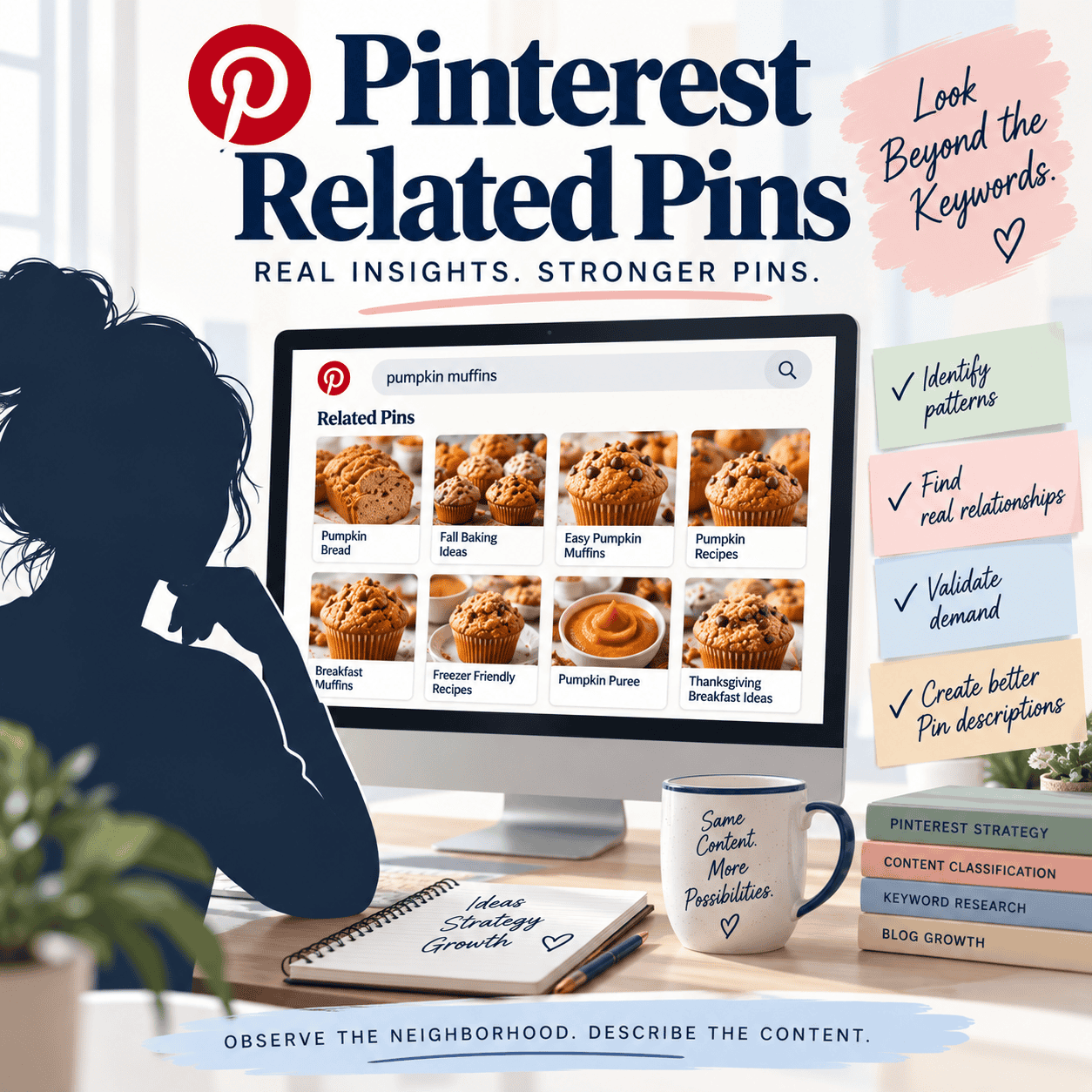
If you need a complete beginner guide to finding Pinterest keywords from scratch, start with my guide to how to find Pinterest keywords for free. This article is for bloggers who already have a published post and want to uncover more truthful search angles for that one page.
Before opening Pinterest, Pinterest Trends or another research tool, ask:
What could someone reasonably search for and be happy to land on this page?
That question gives you a much better starting point than simply making variations of your blog-post title. If you’re wondering whether it’s okay to use different keywords for Pins going to the same blog post, I cover that boundary separately.
The process is simple:
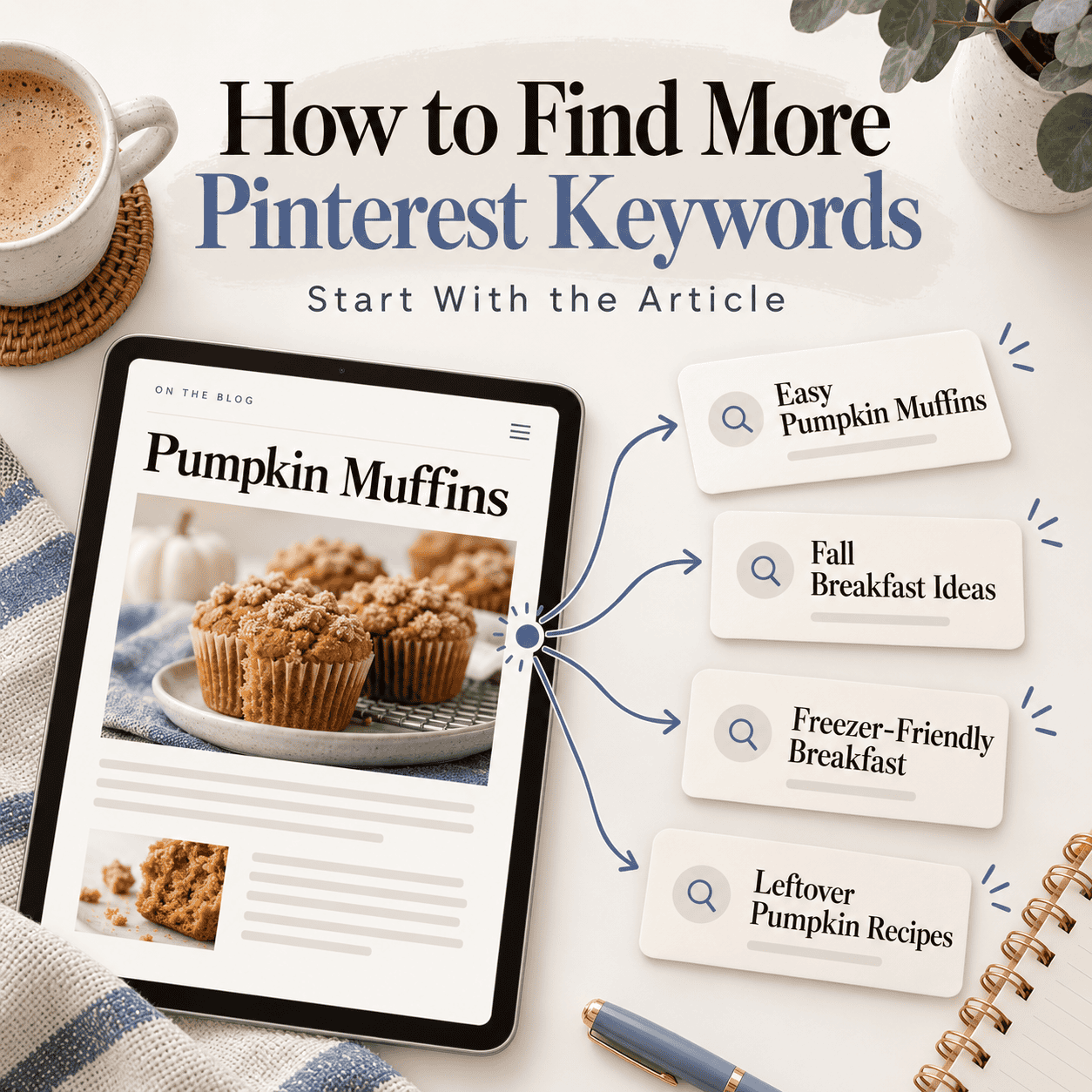
Read the article → identify truthful search angles → validate those ideas with Pinterest data → choose the clearest keyword for each Pin.
Start With the Main Topic
Let’s use pumpkin muffins again.
The obvious starting keyword might be:
Pumpkin muffins
That’s your seed topic.
But don’t immediately start adding random words around it.
Instead, look at what the article actually contains and ask a few simple questions.
What is it?
For example:
- pumpkin muffins
- pumpkin spice muffins
- pumpkin chocolate chip muffins
How is it made?
Maybe the recipe is:
- easy pumpkin muffins
- one-bowl pumpkin muffins
- no-mixer pumpkin muffins
When would someone want it?
That could uncover:
- fall breakfast ideas
- Thanksgiving breakfast
- back-to-school snacks
Why would someone make it?
Now you might discover:
- recipes using leftover pumpkin puree
- make-ahead breakfast
- freezer-friendly breakfast ideas
Who is it useful for?
Depending on the article, that might include:
- beginner bakers
- family breakfast
- kids’ snacks
Where does it fit?
For example:
- brunch ideas
- lunchbox snacks
- holiday breakfast
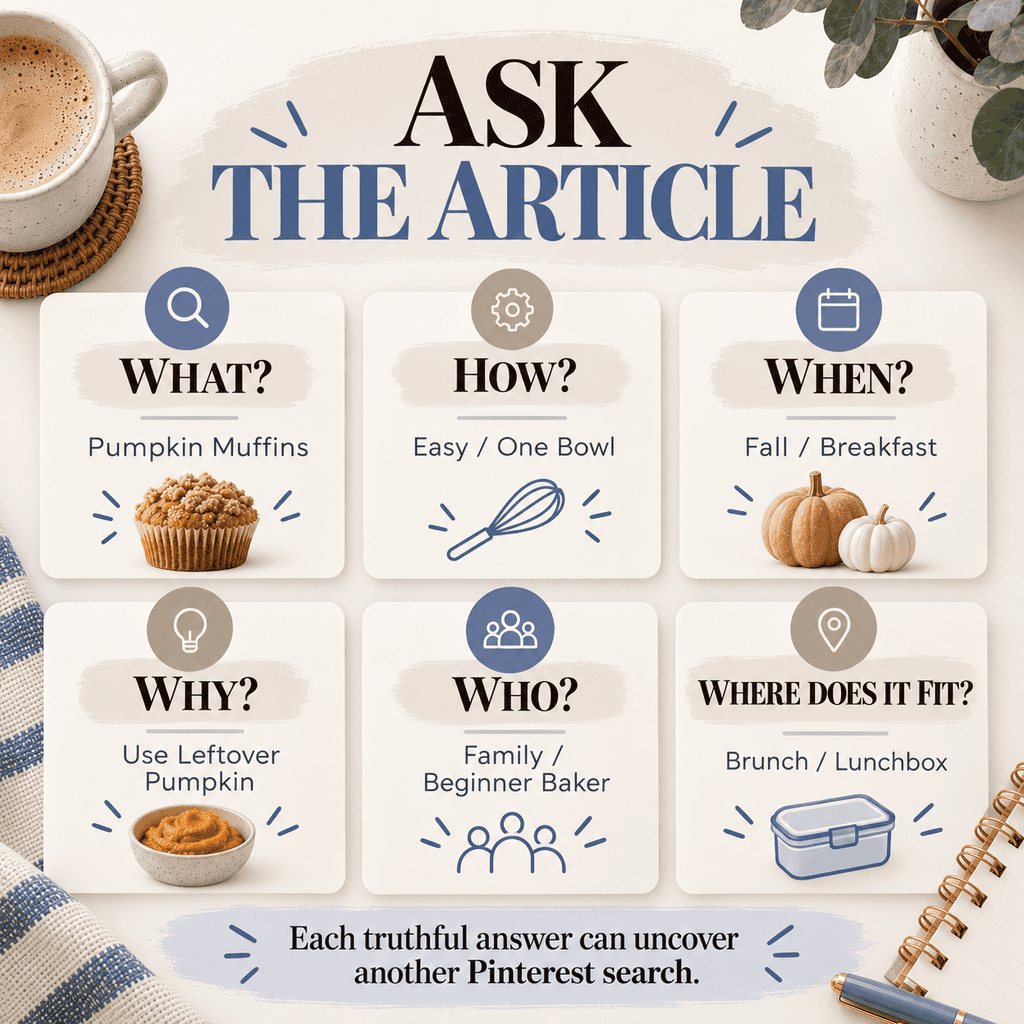
Each truthful answer gives you another possible Pinterest search direction.
This is a simplified version of the Who, What, Where, When, Why and How framework I use when looking for different Pinterest search paths.
Then Check Whether People Actually Search for Those Ideas
Once you have possible angles, Pinterest research helps you validate them. If you want to understand why timing matters too, I explain how Pinterest trends can reveal changing demand and why some search opportunities become more useful at certain times of year.
Pinterest Trends is especially useful here.
Pinterest says its Trends tool can show popular search keywords, whether a trend is seasonal, and weekly, monthly and yearly changes in search interest. It also allows you to compare terms and explore related trends. Pinterest Help
So if your article supports:
Pumpkin Muffins
Fall Breakfast Ideas
and
Freezer-Friendly Breakfast
you can compare those concepts rather than guessing which one has current Pinterest demand.
Pinterest also says search behavior and Pin performance can shift with seasons, holidays and trending topics, which is another reason to revisit keyword opportunities over time instead of treating keyword research as a one-time task. Pinterest Help
You can also use Pinterest search itself to see how people refine a broad topic.
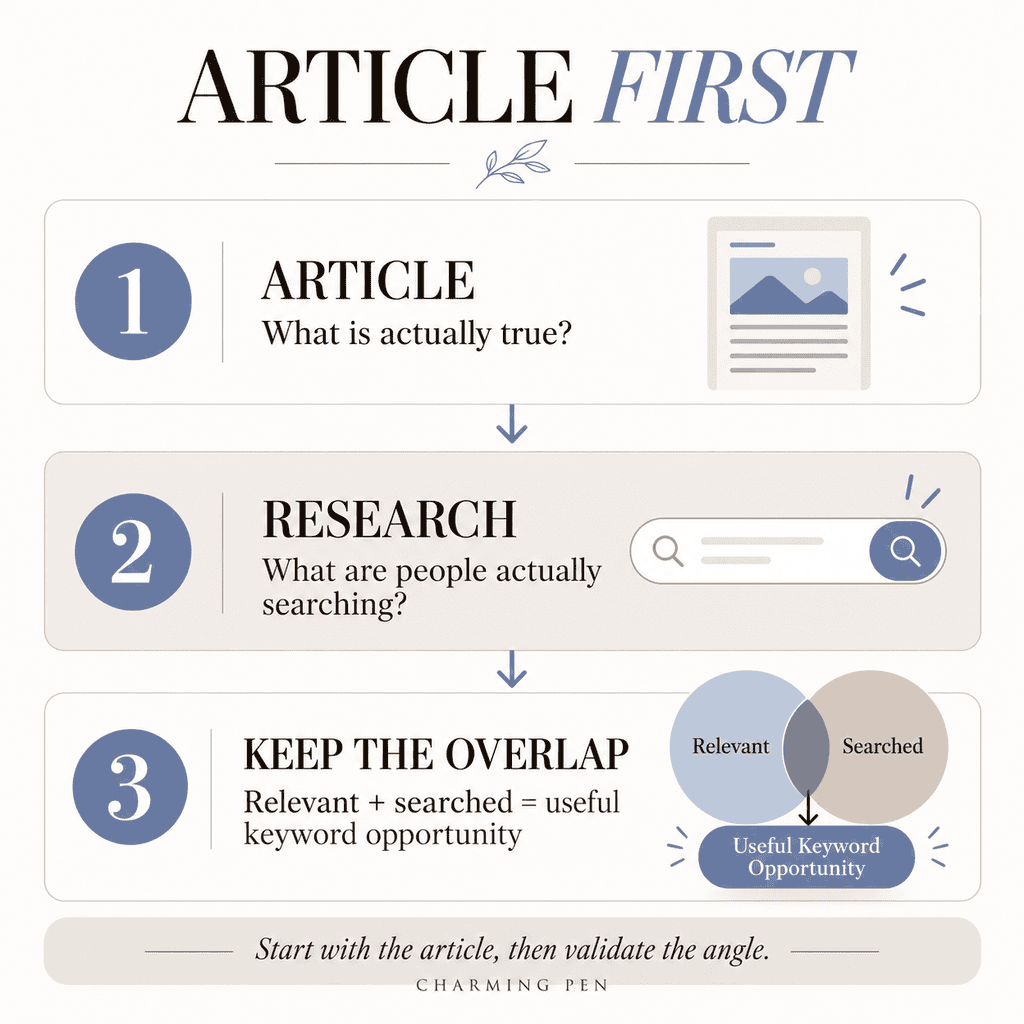
The important part is the order:
Article first. Research second.
Don’t let a keyword tool persuade you that your article is something it isn’t.
Look for Different Questions, Not Just Different Phrases
This is where Pinterest keyword research becomes much more useful.
Compare:
pumpkin muffins
pumpkin muffin recipe
recipe for pumpkin muffins
Those may be slightly different phrases, but they largely express the same need.
Now compare:
pumpkin muffins
freezer-friendly breakfast
fall breakfast ideas
what to make with leftover pumpkin puree
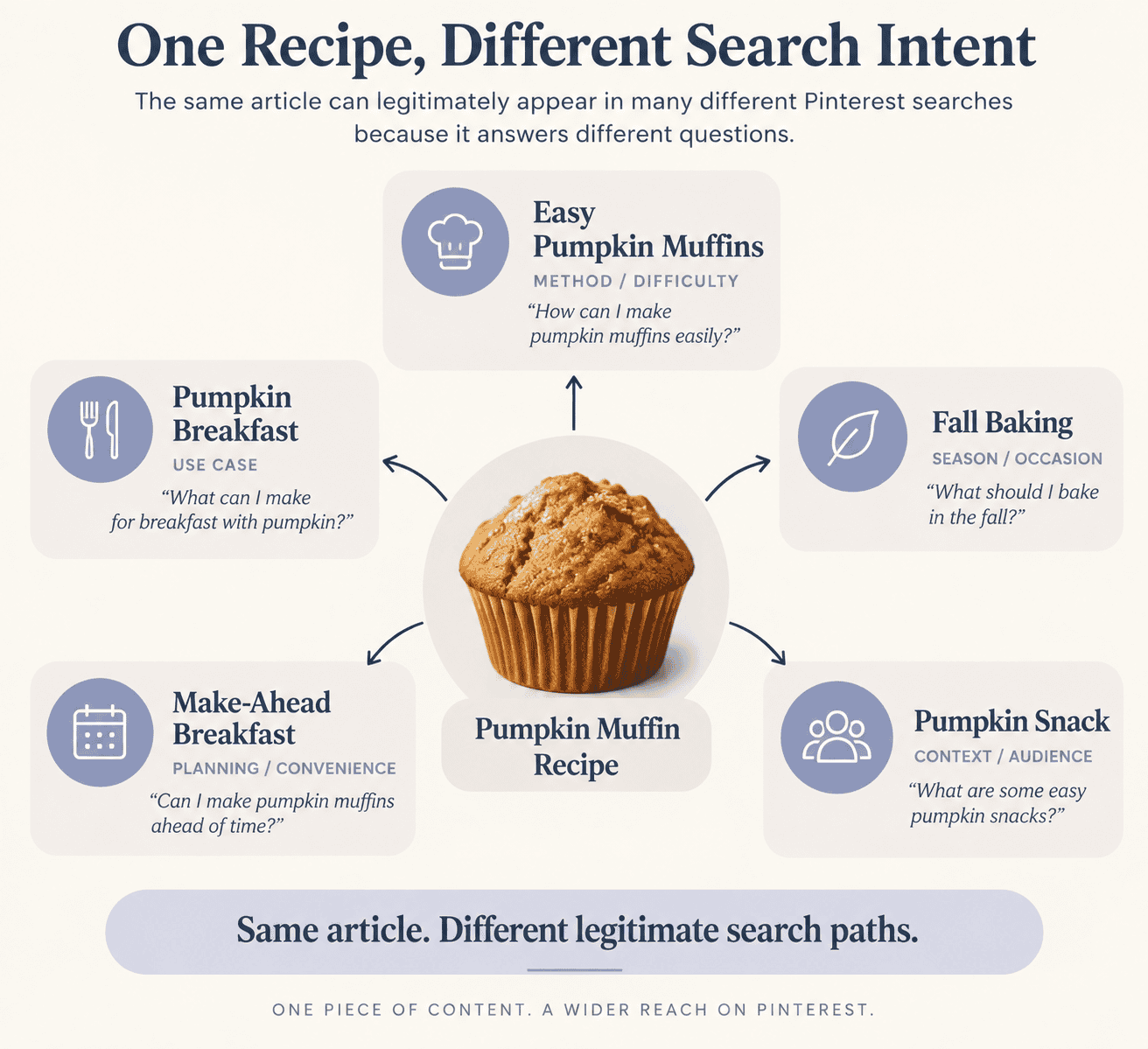
Those searches represent different reasons for wanting the content.
Your article might legitimately satisfy all of them.
That’s why I separate simple wording changes from different search intent.
For beginners, the rule is easier:
Don’t just look for another way to say the same keyword. Look for another question your article can truthfully answer.
If you’d like the deeper explanation of how Pinterest understands the topic of your content, that’s where my search-entity article becomes useful. For this beginner process, you only need to know that related searches can still belong to the same page when the page genuinely satisfies them.
Build a Small Pinterest Keyword List for Each Blog Post
You don’t need 100 Pinterest keywords for every blog post.
Start with a small working list containing:
- the main topic
- a few useful modifiers
- one or two use cases
- a seasonal or occasion angle, when relevant
- a problem the article solves
For the pumpkin muffin example, that might look like:
Main topic: pumpkin muffins
Modifier: easy pumpkin muffins
Use case: freezer-friendly breakfast
Season: fall breakfast ideas
Problem: recipes using leftover pumpkin puree
Then choose the strongest relevant idea for each new Pin.
This is much cleaner than trying to squeeze every phrase you’ve discovered into one Pin.
Tailwind’s current keyword-research documentation illustrates why deeper research can uncover several kinds of signals: it currently surfaces related ideas and interests, visual-search information, typeahead suggestions, Pinterest Trends data and other inputs. Tailwind Knowledge Base
You don’t need every signal for every article.
What matters is whether the keyword opportunity exists at the intersection of:
what your article genuinely offers
and
what people actually search for.
A Simple Pinterest Keyword Research Process
For an existing blog post, I would use this five-step process:
1. Read the article.
Identify what the page genuinely contains, solves or helps someone do.
2. Ask the article questions.
What is it? How is it made? When would someone use it? Why would they want it? Who is it for? Where does it fit?
3. Write down possible search angles.
Don’t worry about volume yet.
4. Validate those ideas.
Use Pinterest search, Pinterest Trends or another appropriate research source to see how people actually describe and search for those ideas.
5. Keep the overlap.
The strongest Pinterest keywords are the ones that are both relevant to your article and supported by actual search behavior.
That last step is important.
Relevant + searched = useful keyword opportunity.
You Asked, Amber Answers
Pinterest advice can get complicated fast. Here are my quick answers to a few of the most common questions around this topic.

Yes—this image was made with AI. As a small business owner wearing a lot of hats, I don’t always have the time to arrange a professional photo shoot, so this is one way I create polished visuals for my business.